Managing finances can be complex for small businesses. Zoho Books aims to simplify this process.
With this blog post, we’ll explore Zoho Books in detail. We’ll discuss its features, pricing, and more. Zoho Books is an online accounting software designed for small to medium businesses. It helps in managing invoices, expenses, and taxes efficiently. Understanding its capabilities can help you decide if it suits your business needs.
In the following sections, we will review its key features and pricing. This review will give you a clear idea of what Zoho Books offers and how it can benefit your business. Let’s dive in and see if Zoho Books is the right choice for you.
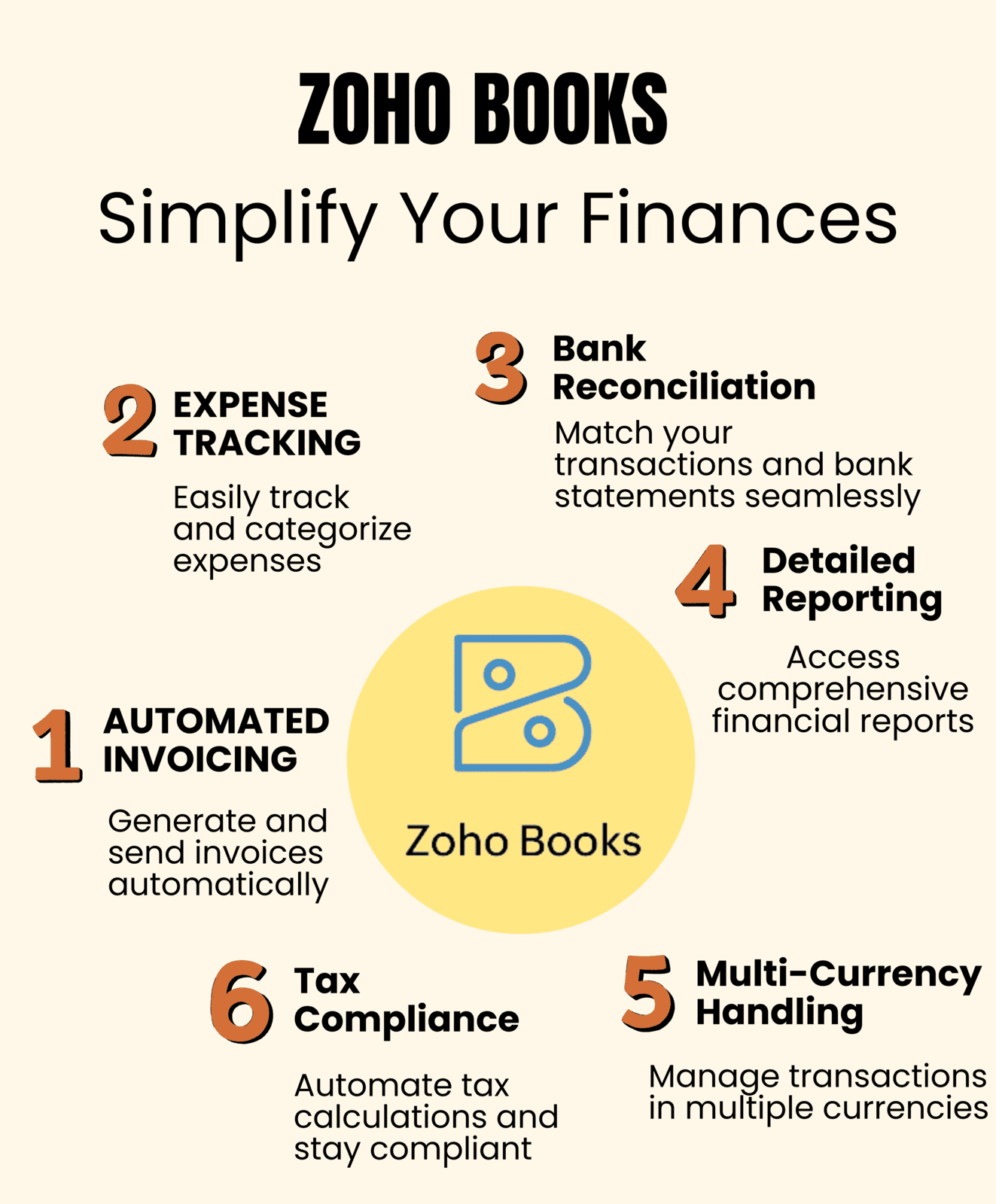
Credit: www.bickertmanagement.com
Key Features
Zoho Books is a popular accounting software known for its robust features. It caters to small and medium-sized businesses. Let’s delve into the key features that make Zoho Books a standout choice.
Invoicing
Creating professional invoices is a breeze with Zoho Books. The software offers customizable templates, allowing businesses to add their branding. Users can set up recurring invoices for regular clients. Automated payment reminders help ensure timely payments. Additionally, Zoho Books supports multiple currencies, making it ideal for global transactions.
Expense Tracking
Zoho Books simplifies expense tracking. Users can link their bank accounts for automatic expense imports. Categorize expenses for better organization. Attach receipts directly to transactions for easy reference. The software also supports expense reports, aiding in financial analysis. For tax purposes, users can track deductible expenses separately.
Bank Reconciliation
Bank reconciliation is essential for accurate accounting. Zoho Books offers an easy-to-use bank reconciliation feature. Users can match bank transactions with their records. The software highlights discrepancies for quick resolution. Automatic bank feeds keep the records up-to-date. This feature helps maintain accurate financial statements.
Project Management
Zoho Books includes a comprehensive project management module. Users can create and manage projects directly within the software. Track project expenses and income in real-time. Generate invoices based on project progress or milestones. Collaborate with team members and clients seamlessly. This feature ensures projects stay within budget and on schedule.
User Experience
Zoho Books offers a seamless user experience that makes accounting tasks easier. From its interface design to customer support, everything is crafted to assist users effectively. Let’s dive into the key aspects of user experience in Zoho Books.
Interface Design
The interface design of Zoho Books is clean and intuitive. The dashboard presents all essential information in a straightforward manner. Key financial data, recent transactions, and pending tasks are visible at a glance.
Navigating through different modules is smooth. The menus are well-organized and labeled clearly. This helps users find what they need without any hassle. The color scheme is pleasant, making prolonged use easy on the eyes.
Ease Of Use
Zoho Books scores high on ease of use. Setting up an account takes just a few minutes. The setup wizard guides new users through initial configurations.
Creating invoices, tracking expenses, and generating reports are straightforward. The platform uses simple language and clear instructions. Even users with no prior accounting experience find it easy to understand.
Automation features help save time. Users can automate recurring invoices and payment reminders. This reduces manual work and minimizes errors.
Customer Support
Customer support is a vital part of the user experience. Zoho Books offers multiple support channels including email, phone, and chat. The response time is quick, and the support team is knowledgeable.
A comprehensive help center is available. It includes tutorials, FAQs, and user guides. This helps users find solutions to common issues quickly.
For more complex problems, Zoho offers one-on-one training sessions. This personalized support ensures users get the most out of the platform.
Integration Capabilities
Zoho Books offers robust integration capabilities. These allow businesses to streamline their operations by connecting with various apps and services. This ensures a seamless workflow and improved productivity. Let’s dive into the integration options available in Zoho Books.
Third-party Apps
Zoho Books integrates with many third-party apps. This includes popular tools like PayPal, Stripe, and Square. Such integrations help manage payments and invoicing smoothly. You can also connect with Google Workspace for better collaboration.
- PayPal: Easy payment processing and tracking.
- Stripe: Secure online payments and invoicing.
- Square: Simple point-of-sale transactions.
- Google Workspace: Enhanced collaboration and document management.
Besides payment gateways, Zoho Books supports integrations with e-commerce platforms. For instance, you can connect with Shopify and WooCommerce. This helps in syncing orders and managing inventory effortlessly.
| App | Function |
|---|---|
| Shopify | Order syncing and inventory management |
| WooCommerce | Effortless order and inventory control |
Zoho Ecosystem Integration
Zoho Books seamlessly integrates with other Zoho apps. This creates a unified experience for all your business needs. For example, you can connect Zoho CRM to manage customer relationships better.
Here are some key integrations within the Zoho ecosystem:
- Zoho CRM: Sync customer data and manage sales.
- Zoho Inventory: Track stock levels and orders efficiently.
- Zoho Projects: Link financial data with project management.
- Zoho Analytics: Generate insightful reports and dashboards.
Integrating these apps helps in automating tasks. This reduces manual work and increases efficiency. For instance, syncing Zoho Inventory with Zoho Books ensures accurate stock levels. This helps in avoiding stockouts and overstocking.
Moreover, Zoho Books supports API integration. This allows developers to build custom solutions. You can tailor the software to fit your specific business needs. This flexibility makes Zoho Books a powerful tool for businesses of all sizes.
Pricing Plans
Zoho Books offers a variety of pricing plans to suit different business needs. Whether you’re a freelancer or a growing business, Zoho Books has a plan that can help you manage your finances effectively. Let’s dive into the details of each plan.
Free Plan
The Free Plan is perfect for small businesses or freelancers. It includes essential features like:
- Invoice management
- Expense tracking
- Basic reporting
- Client portal
This plan supports up to 1 user and 1 accountant. It’s a great way to get started with Zoho Books without any cost.
Standard Plan
The Standard Plan is ideal for small to medium-sized businesses. It offers more advanced features such as:
- Recurring invoices
- Bank reconciliation
- Multi-currency handling
- Project management
Priced at $15 per month, this plan supports up to 3 users. It’s suitable for businesses that need more robust accounting tools.
Professional Plan
The Professional Plan is designed for growing businesses. It includes all features from the Standard Plan and adds:
- Inventory management
- Purchase orders
- Sales orders
- Custom reporting
At $40 per month, this plan supports up to 5 users. It’s perfect for businesses with more complex accounting needs.
Premium Plan
The Premium Plan is tailored for larger businesses. It offers all features from the Professional Plan plus:
- 10 users support
- Vendor portal
- Budgeting and forecasting
- Advanced analytics
Priced at $60 per month, it provides extensive tools for comprehensive financial management.
Pros And Cons
Zoho Books is a popular choice for small businesses. It offers a range of features to streamline accounting processes. Like any software, Zoho Books has its strengths and weaknesses. Understanding these can help you decide if it’s the right fit for your business.
Advantages
Zoho Books comes with several benefits that make it a strong contender in the accounting software market.
- User-Friendly Interface: The interface is clean and easy to navigate. Even those with little tech knowledge can use it.
- Comprehensive Features: It covers invoicing, expense tracking, project management, and inventory management. This makes it a one-stop solution for many needs.
- Automation: Zoho Books automates many tasks. This saves time and reduces human error.
- Integration: It integrates seamlessly with other Zoho apps and third-party tools. This enhances its functionality.
- Affordable Pricing: Zoho Books offers competitive pricing plans. This makes it accessible for small businesses.
- Customer Support: The support team is responsive and helpful. Users can get assistance quickly when needed.
Limitations
While Zoho Books has many advantages, it also has some drawbacks.
- Limited Payroll Features: Payroll management is not as robust as in some other software. This could be a drawback for businesses with complex payroll needs.
- Customization Limitations: Some users find the customization options limited. This can be an issue for businesses with unique needs.
- Learning Curve: Despite its user-friendly interface, there is a learning curve. New users might need time to get used to it.
- Mobile App Limitations: The mobile app lacks some features available in the web version. This can be inconvenient for users on the go.
- Limited Multi-Currency Support: Multi-currency support is available but not extensive. Businesses dealing with many currencies might find this limiting.
Overall, Zoho Books offers a solid set of features at an affordable price. Understanding its pros and cons can help you make an informed decision.

Credit: www.rebellink.com
Comparisons
When choosing accounting software, it’s essential to compare options. Zoho Books is a popular choice, but how does it stack up against QuickBooks and Xero? Let’s dive into the details.
Zoho Books Vs. Quickbooks
Both Zoho Books and QuickBooks offer robust features. But they cater to different needs. Here’s a comparison:
| Feature | Zoho Books | QuickBooks |
|---|---|---|
| Pricing | Starts at $9/month | Starts at $25/month |
| Ease of Use | User-friendly interface | Steeper learning curve |
| Mobile App | Available | Available |
| Customer Support | 24/7 email support | Phone and chat support |
| Integrations | Integrates with Zoho Suite | Wide range of integrations |
Zoho Books is more affordable and easier to use. QuickBooks offers more integrations and support options. Choose based on your specific needs.
Zoho Books Vs. Xero
Xero is another major player in the accounting software market. Here’s how it compares with Zoho Books:
| Feature | Zoho Books | Xero |
|---|---|---|
| Pricing | Starts at $9/month | Starts at $12/month |
| Ease of Use | Intuitive design | Simple interface |
| Mobile App | Available | Available |
| Customer Support | Email support | 24/7 support |
| Integrations | Integrates with Zoho Suite | Over 700 integrations |
Zoho Books offers competitive pricing and a user-friendly design. Xero provides more integrations and around-the-clock support. Both are excellent choices but cater to different business needs.
Final Verdict
Zoho Books is a comprehensive accounting solution for small businesses. It offers robust features and simple pricing. But is it the right choice for you? Let’s dive into the details.
Is Zoho Books Worth It?
Zoho Books provides a variety of tools for managing your finances. These include invoicing, expense tracking, and project management. The software integrates with other Zoho apps and third-party tools. This makes it versatile for different business needs.
Here are some key benefits:
- User-friendly interface: Easy to navigate, even for beginners.
- Automation features: Save time on repetitive tasks.
- Customization: Tailor the software to fit your business processes.
- Mobile app: Manage your finances on the go.
On the downside, some users find the learning curve steep. There are also occasional bugs. Despite these minor issues, Zoho Books is a solid choice for most small businesses.
Who Should Use Zoho Books?
Zoho Books is ideal for small to medium-sized businesses. It’s perfect for those needing comprehensive financial management tools. Startups can benefit from its affordability and range of features. Freelancers and consultants will find the invoicing and time-tracking features useful.
Consider Zoho Books if you:
- Run a small business and need affordable accounting software.
- Want to automate your financial processes.
- Need a solution that integrates with other business apps.
- Prefer a user-friendly interface with robust features.
Zoho Books is also great for businesses that plan to scale. It grows with you, offering advanced features as your needs evolve. For those needing a reliable and flexible accounting tool, Zoho Books is worth considering.

Credit: saufter.io
Frequently Asked Questions
What Are The Main Features Of Zoho Books?
Zoho Books offers invoicing, expense tracking, inventory management, and financial reporting. It integrates with other Zoho products.
How Much Does Zoho Books Cost?
Zoho Books pricing starts at $10 per month. Higher plans offer more features and users.
Is Zoho Books Suitable For Small Businesses?
Yes, Zoho Books is great for small businesses. It offers essential accounting features and is user-friendly.
Can Zoho Books Handle Multi-currency Transactions?
Yes, Zoho Books supports multi-currency transactions. It’s ideal for businesses dealing with international clients.
Does Zoho Books Offer A Mobile App?
Yes, Zoho Books has a mobile app. It’s available for both iOS and Android devices.
What Integrations Are Available With Zoho Books?
Zoho Books integrates with Zoho CRM, Zoho Inventory, PayPal, Stripe, and many other third-party apps.
Is There A Free Trial For Zoho Books?
Yes, Zoho Books offers a 14-day free trial. You can test all features before purchasing.
Conclusion
Zoho Books stands out for its user-friendly features and affordable pricing. It’s a great choice for small businesses needing efficient accounting tools. The software’s simplicity makes it accessible to non-experts. Zoho Books offers a balanced mix of features and value.
It simplifies accounting tasks, saving you time and effort. Overall, Zoho Books is a reliable option for your accounting needs. Consider trying it to streamline your financial management.